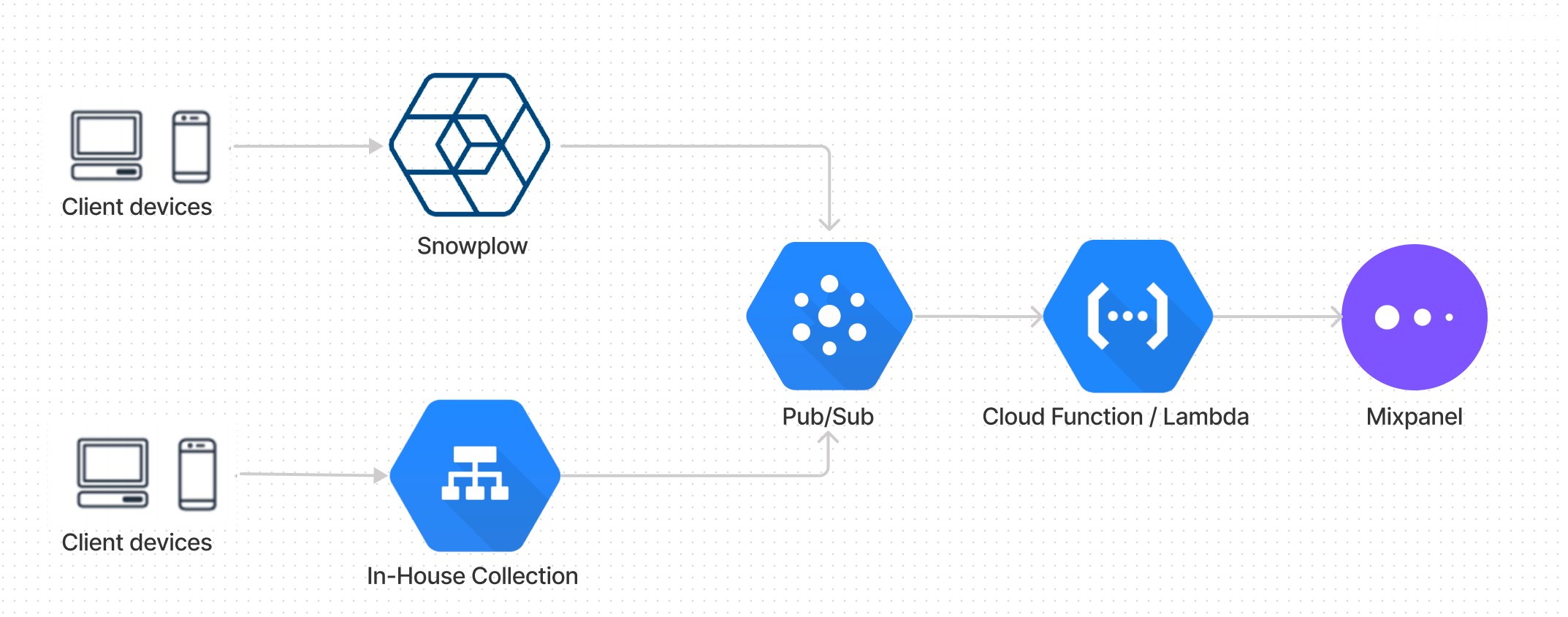
Note: if you are on AWS, this approach is very similar using Kinesis and AWS Lambda.
Step 1: Create a Cloud Pub/Sub Topic
(You can skip this step if you already have a Pub/Sub topic with events flowing through it.) Create a new Pub/Sub Topic. All events that will ultimately route to Mixpanel will flow through this Pub/Sub topic.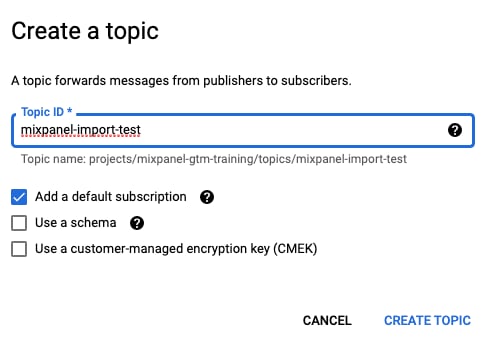
Step 2a: Add a Cloud Function Trigger to your Pub/Sub Topic
In this step, we set up a Cloud Function to trigger whenever events are pushed to your Pub/Sub topic. Google’s documentation goes into full detail on how this trigger works. From your newly created topic, click+Trigger Cloud Function. Give the Cloud Function a name and Save.

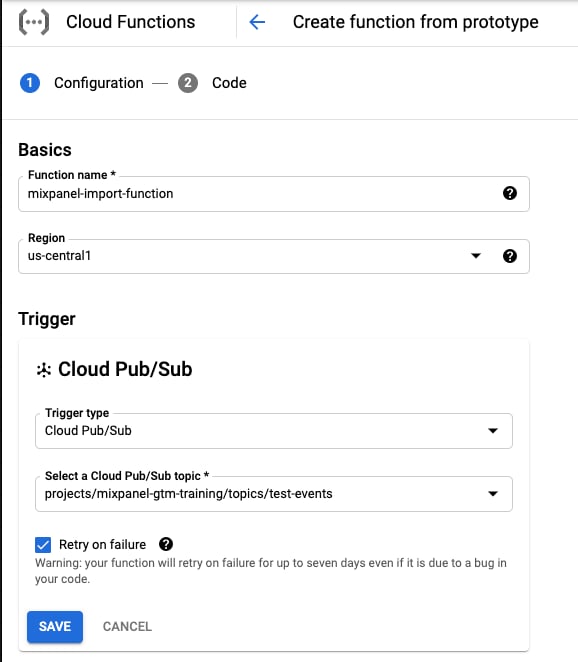
Step 2b: Write the Cloud Function
Switch the runtime toPython3.9 and change the entrypoint from hello_pubsub to main. Paste the code below for main.py and requirements.txt.
main.py
requirements.txt
Step 3: Test with sample events
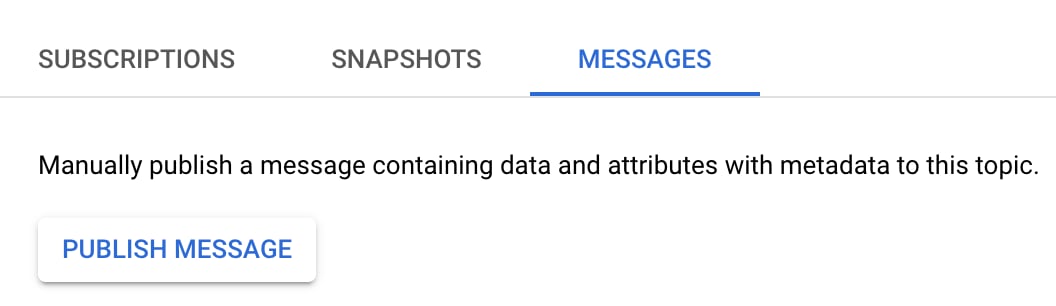
Now messages published to our Pubsub topic will trigger an invocation of the function and route events to Mixpanel. Let’s give it a try by manually sending a message via the PubSub UI. On the topic page, navigate toMessages -> Publish message.
events
Publish, the function will trigger and pass the above payload to the Cloud Function. Within a minute, you should see an Import succeeded log line in the Cloud Function logs.
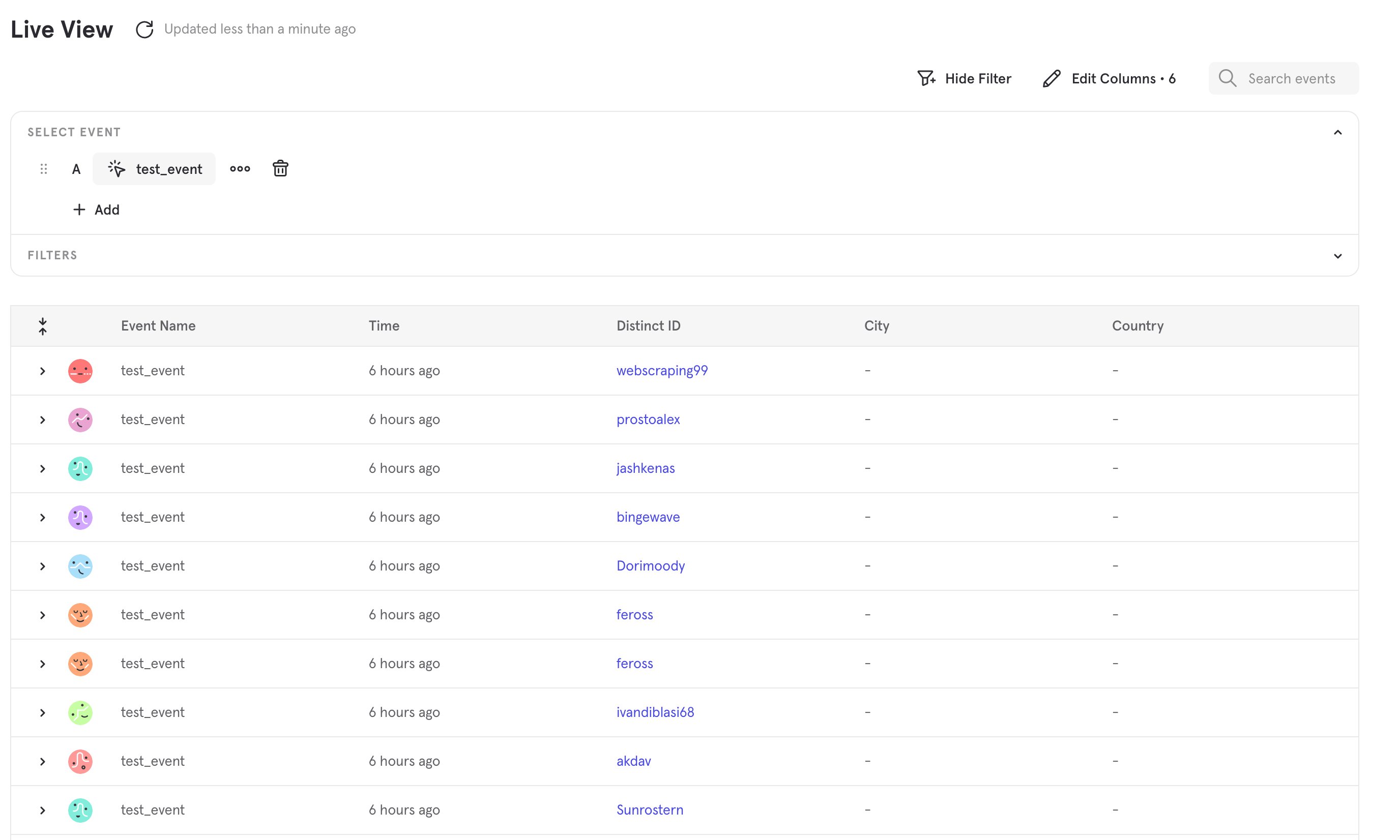
You can then navigate to the Events page to see the events in Mixpanel.