Overview
Comments let you discuss data directly on reports and boards in Mixpanel. Instead of switching to Slack or email to share a finding, you can start a threaded conversation right where the data lives — keeping context attached to the chart or dashboard that prompted the discussion. Comments are available on all report types and on boards. Each report or board has its own comment thread, and all project members with the appropriate permissions can participate.Adding Comments
1
Open the Comments panel
Select the Comments icon in the report or board header to open the comments side panel.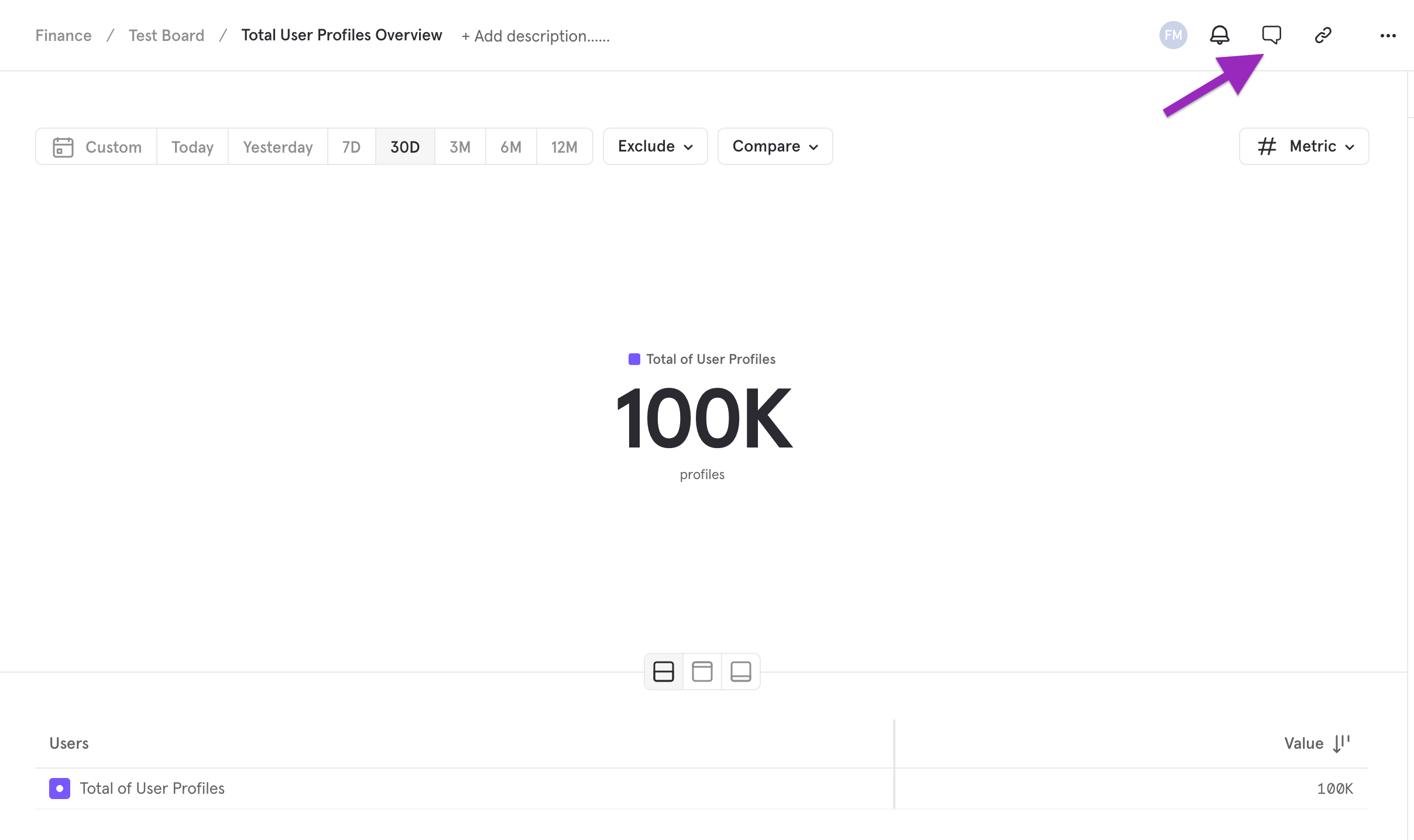
2
Start a new thread
Click the comment composer at the top of the panel to start a new thread. Type your message and press Enter (or click the send button) to post.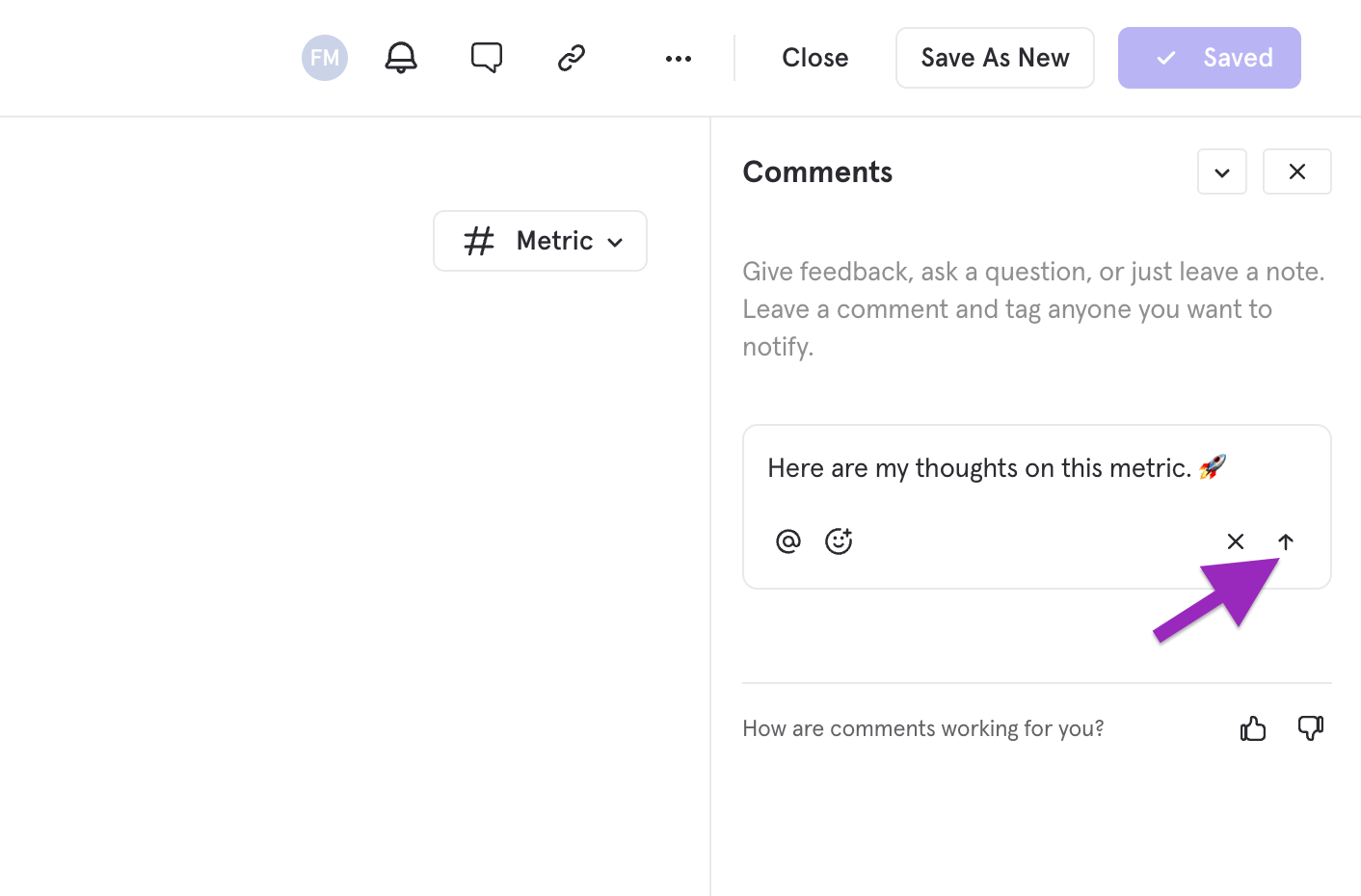
3
Reply to an existing thread
Click on any existing comment to expand the thread and add a reply. Threads keep related discussion grouped together so conversations stay organized.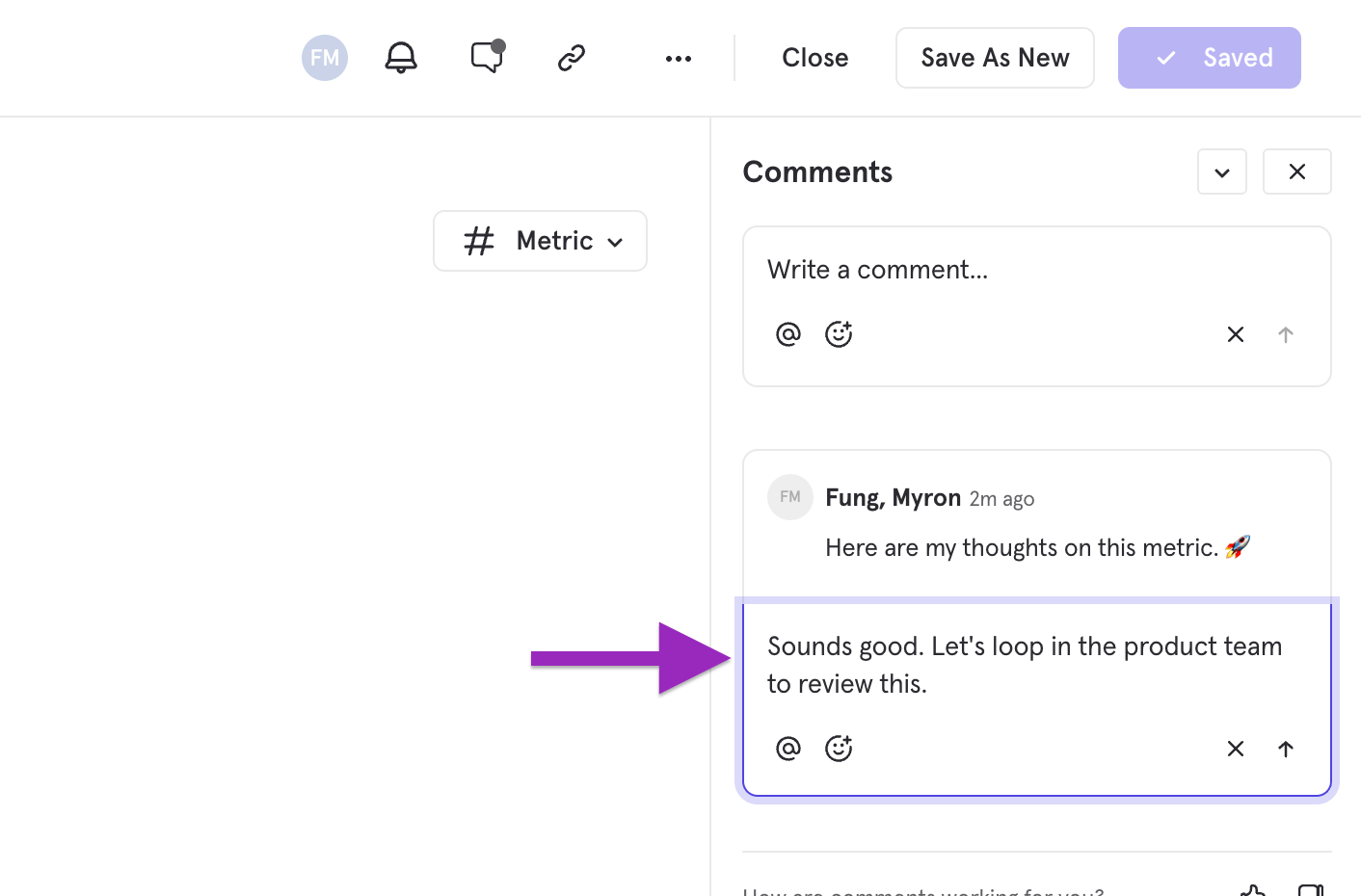
@Mentions
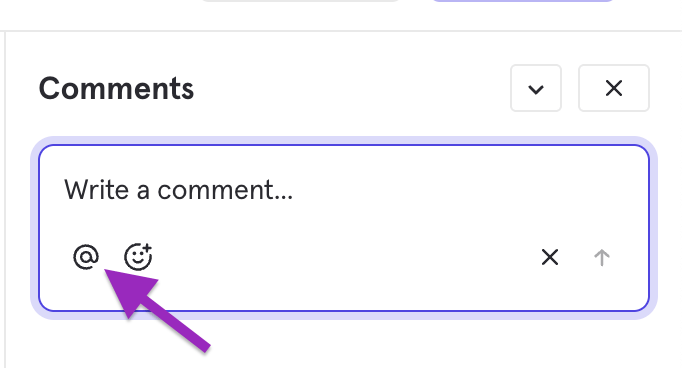
Tag teammates in a comment by typing@ followed by their name or clicking the @ symbol underneath the composer box. Mentioned users will receive a notification in the notification center and, if configured, via email or slack.
Reactions
React to any comment with emoji reactions. Hover over a comment and click the reaction button to add yours.Resolving Threads
Mark a thread as resolved when the discussion is complete. Resolved threads are hidden by default but can be viewed by toggling the Show resolved filter in the comments panel.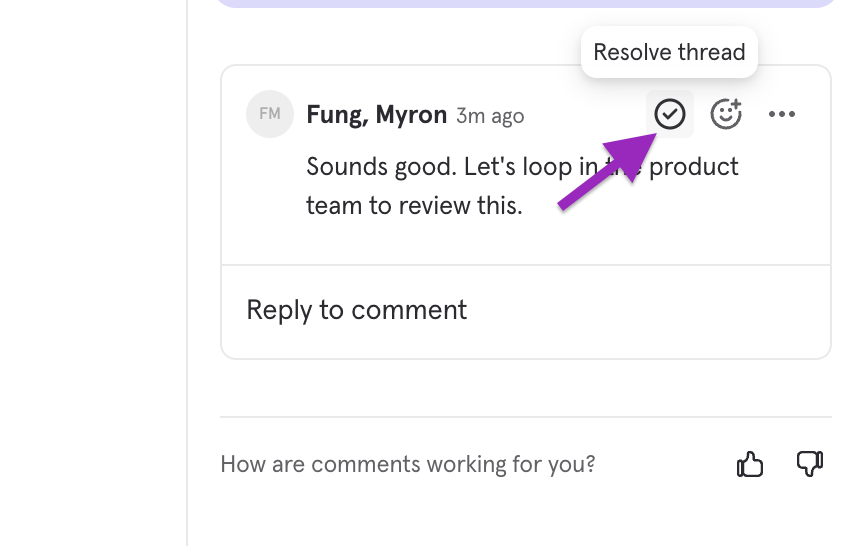
Notification Center
The Notification Center keeps you informed about comment activity across all your reports and boards. Access it from the bell icon in the left navigation panel. New notifications are indicated by a red bubble on the comment icon.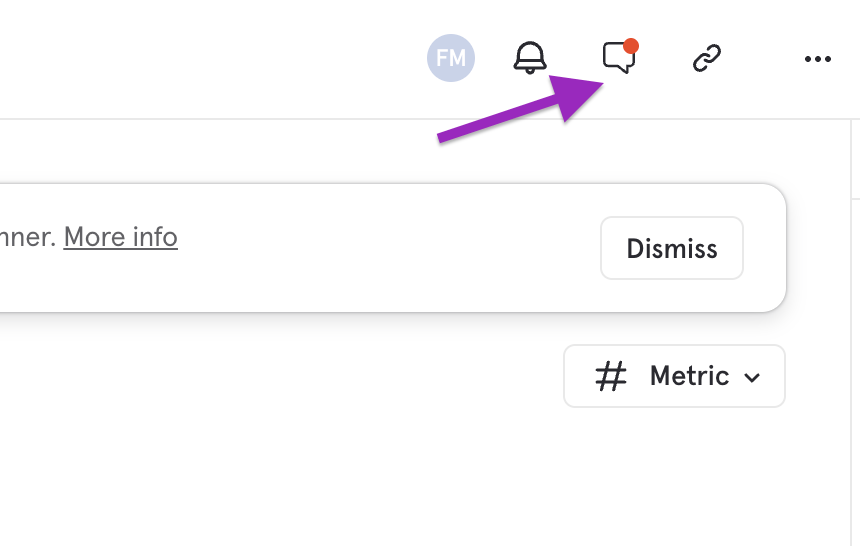
- Someone @mentions you in a comment
- Someone replies to a thread you are participating in
- Someone replies to a thread you are subscribed to
Unread tracking
Unread notifications are indicated by a badge count on the bell icon. Notifications are automatically marked as read when you view them in the Notification Center.Enabling and Disabling Comments
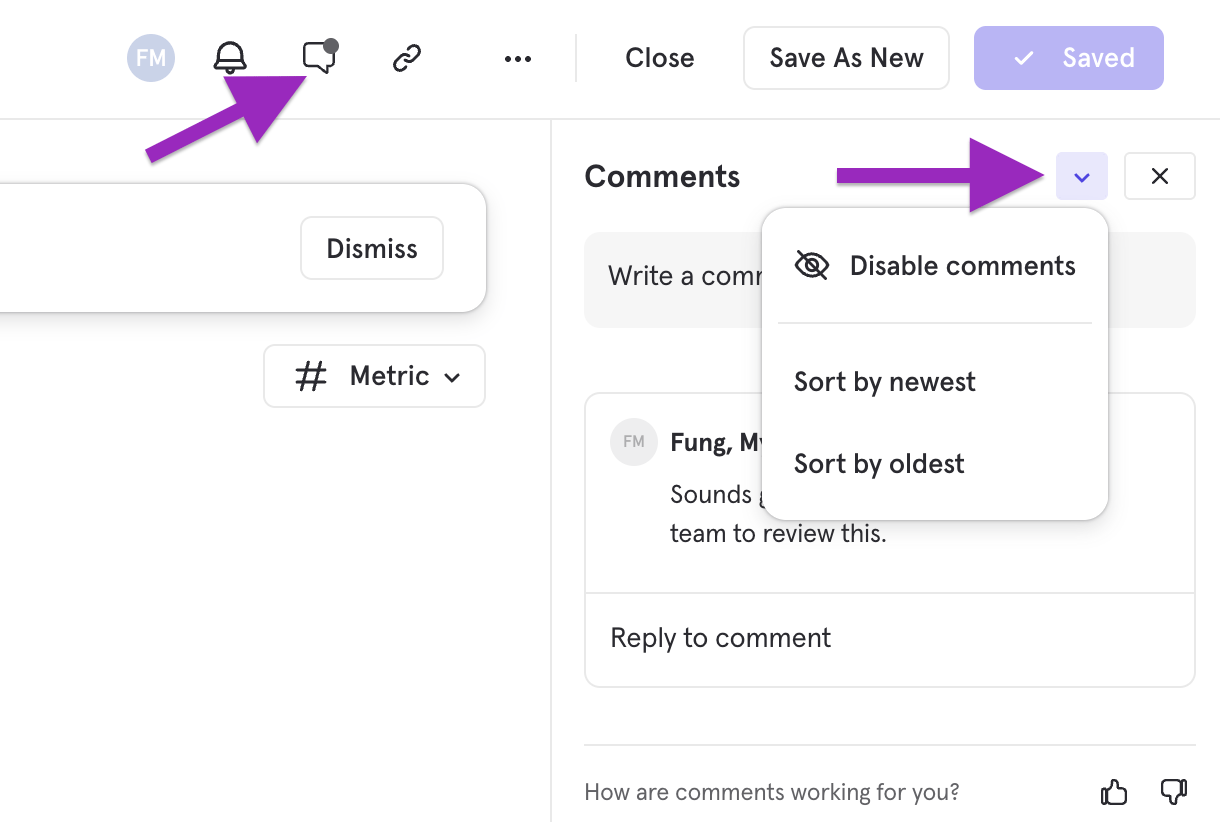
The report owner can enable or disable comments on reports. The toggle is located in the caret menu within the report’s comment tab.